
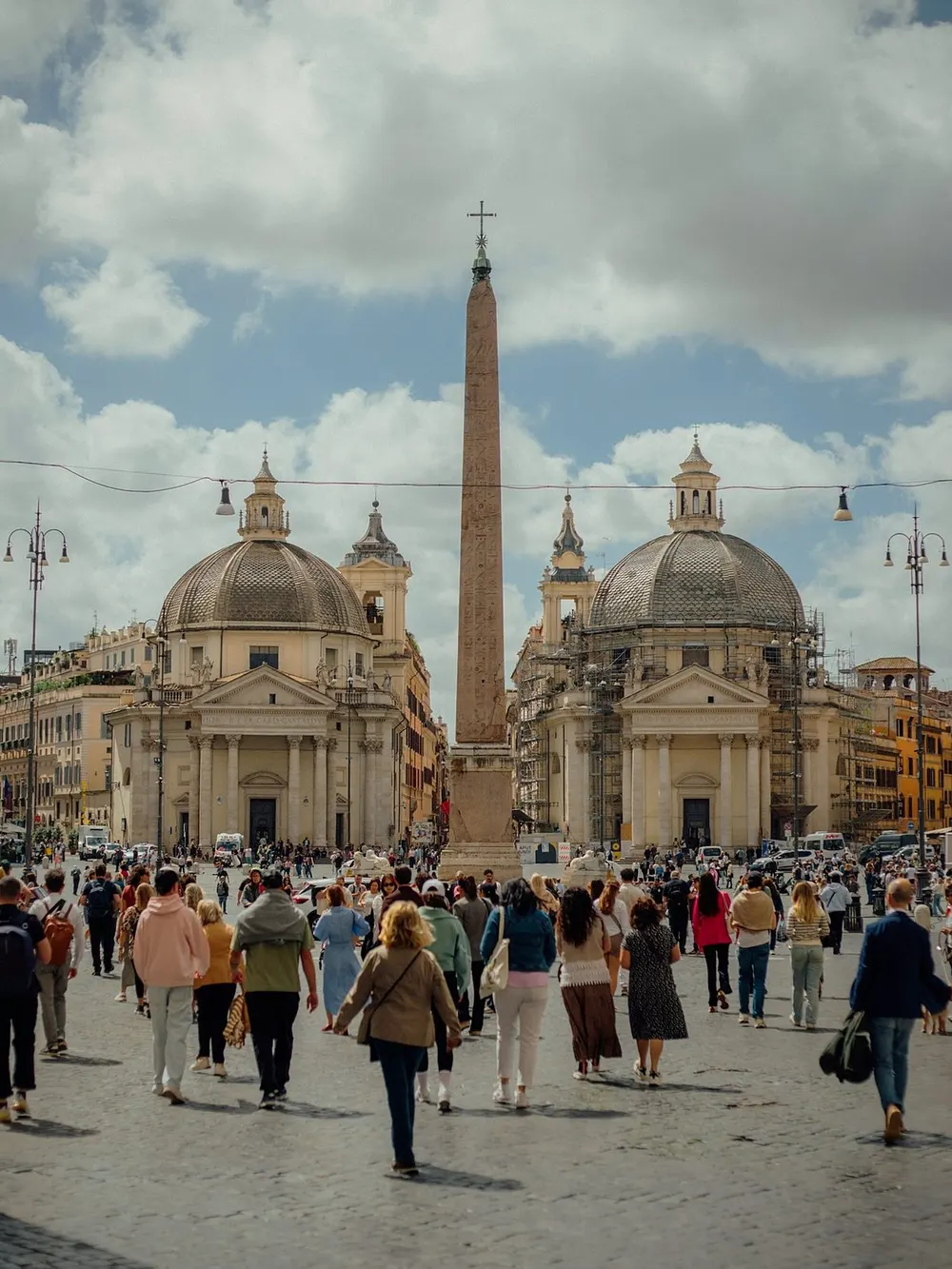
Clean
Removes every person in the frame. For empty squares, quiet streets and the view you actually came to see.
Piazza del Popolo, Rome
ClearShot removes every stranger from your travel photo in one tap. Or keeps just the one person you came with.
For iPhone. 3 free Shots, no account needed.
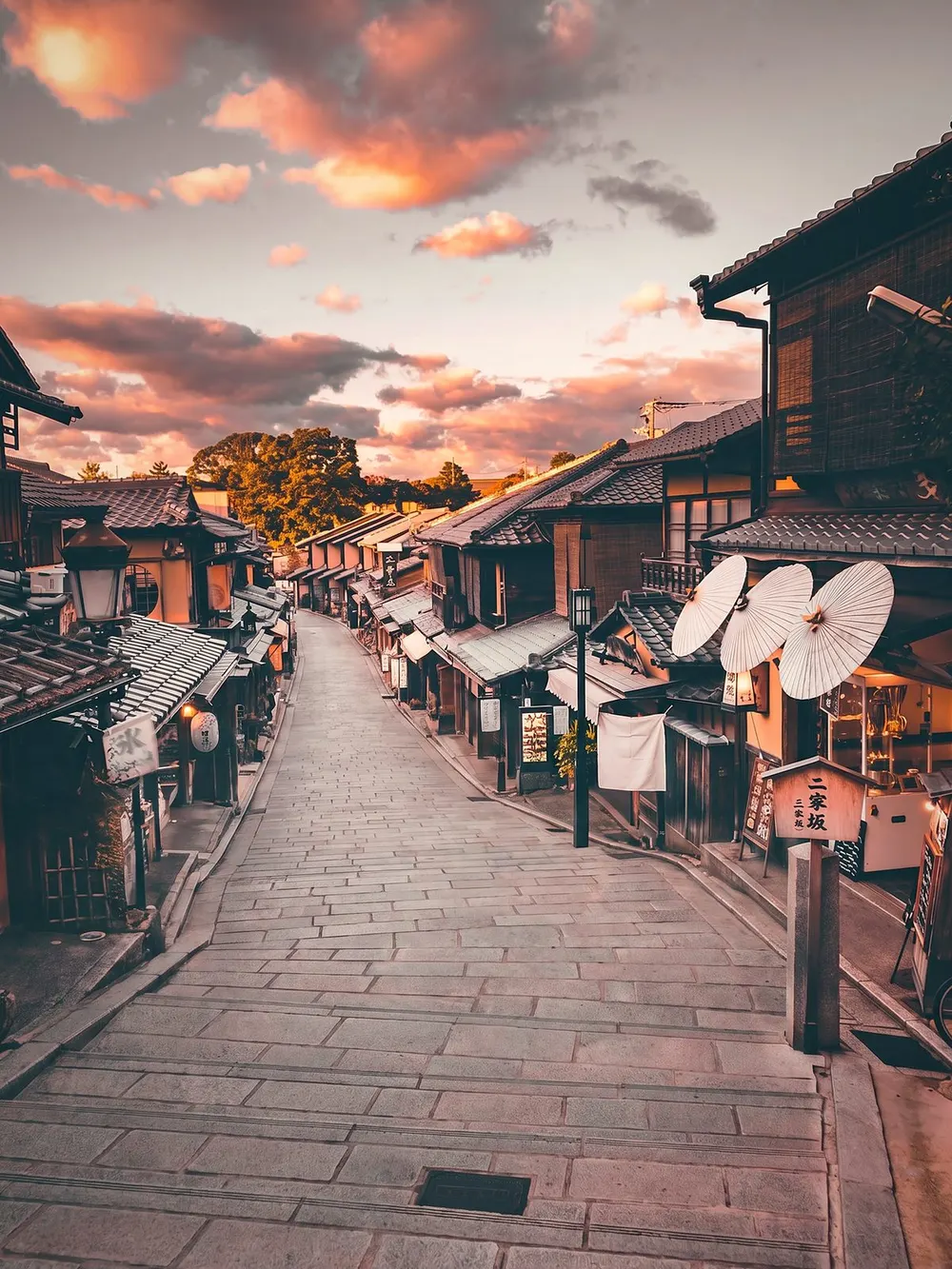
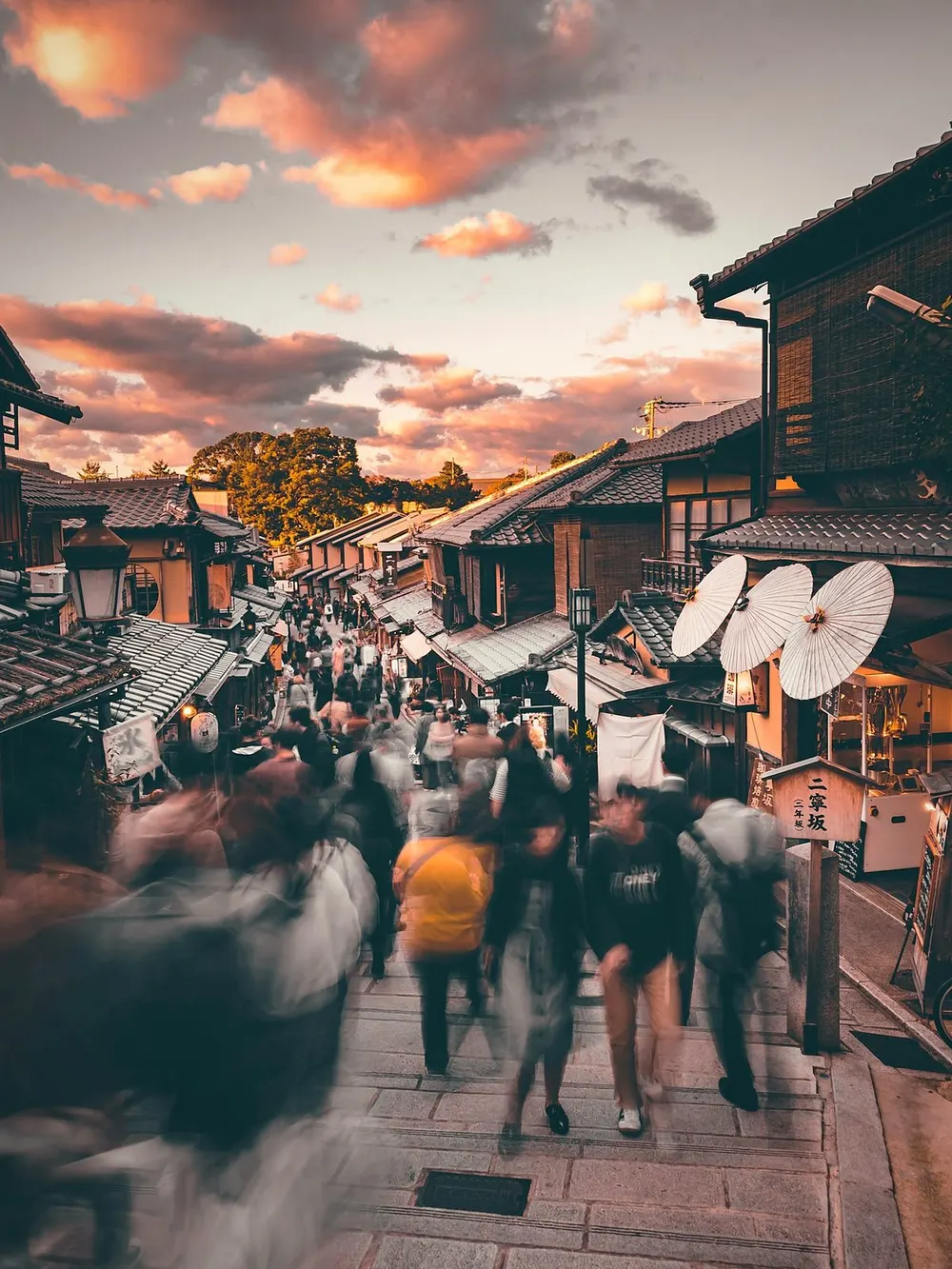
No brushes, no lasso, no masking by hand.
Use the ClearShot camera with a live film look, or pick a photo you already took.
Your iPhone finds the people on device. Cloud AI then rebuilds the walls, sky, streets and water behind them.
Photos process in the background while you take the next frame. Compare before and after, then save or share.
Choose before you shoot, or when you import.
Removes every person in the frame. For empty squares, quiet streets and the view you actually came to see.
Piazza del Popolo, Rome
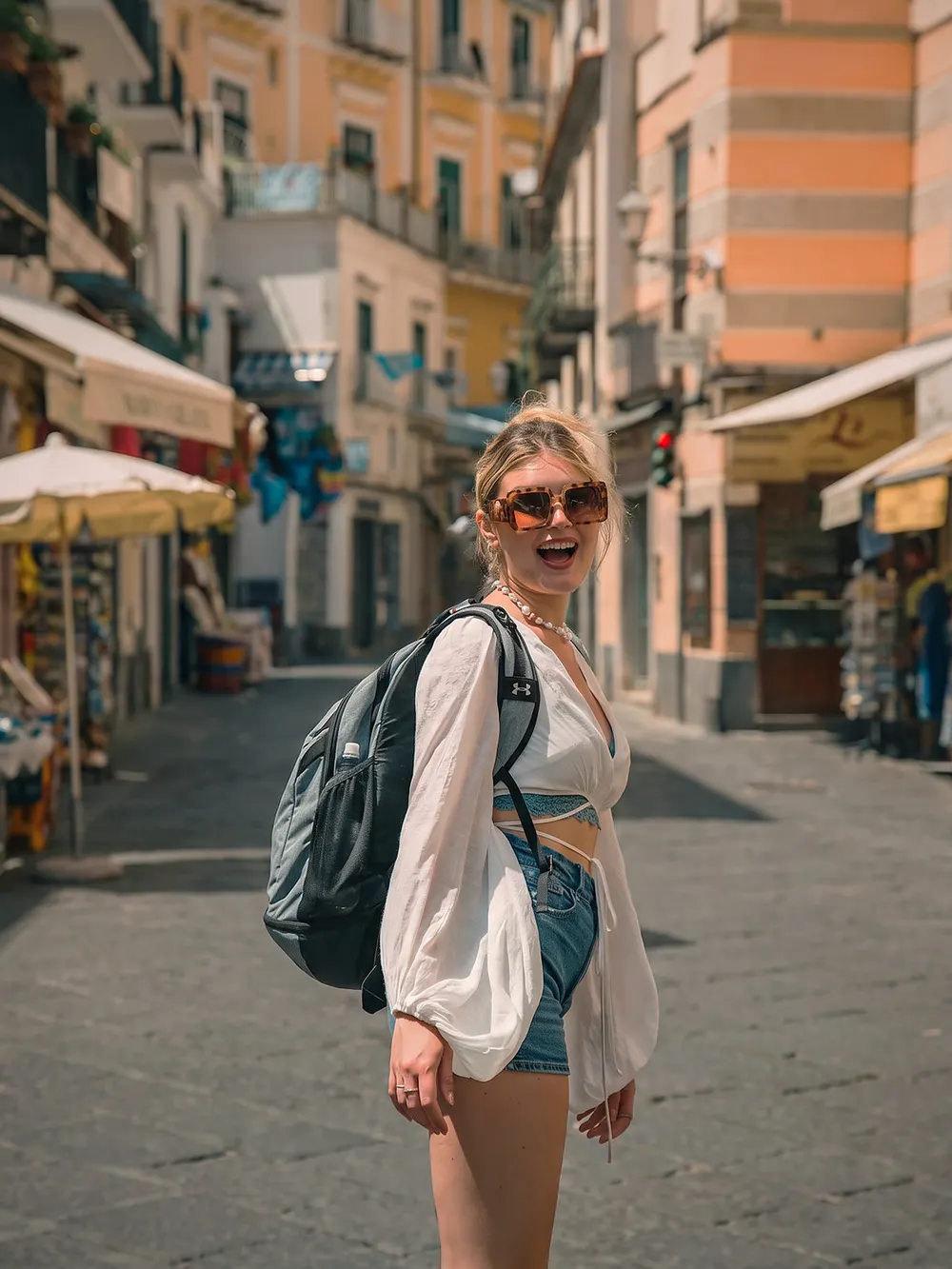

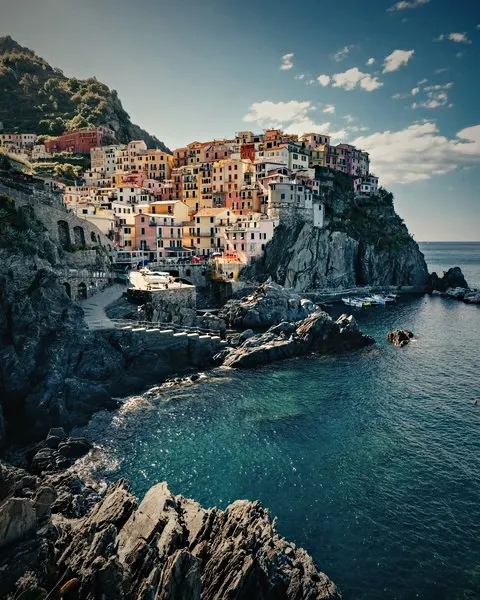
Removes everyone except the person you choose. A solo portrait in front of a busy sight, without waiting for the street to clear.
Amalfi Coast, Italy
Preview a look live in the camera, or change it later on the result. Looks are applied on your iPhone and never cost a Shot.
One tap on the result improves light, color and detail. Free, instant, and it runs on your iPhone.
ClearShot is built for the photos you care about, so it keeps as little as it can.
No sign-up, no email, no password. Open the app and shoot.
Photos you process are stored only to deliver your result, then deleted automatically within 30 days.
Your photos are not used to train AI models.
Person detection runs on your iPhone. Location and camera metadata are stripped from uploaded photos.
Each cleaned photo uses a Shot. Looks and Auto enhance are always free.
Standard quality uses 1 Shot. 2K uses 2 Shots and needs Pro.
Your iPhone detects the people in the photo on device. The photo is then sent securely to our server, where AI rebuilds the background behind them, and the result appears in the app while you keep shooting.
Yes. Import any photo from your library and pick Clean or Keep one, just like with the camera.
No. ClearShot works without sign-up. Purchases are tied to your Apple ID and can be restored in the app.
You keep your Shot. A Shot is used only when a result is delivered.
No. Shots you buy in packs never expire. Pro allowances renew each period and don't roll over.
A higher-resolution result for prints and wallpapers. It's part of ClearShot Pro and uses 2 Shots per photo.
Yes, to process photos. Shooting, film looks and Auto enhance work offline.
English, Italian, Spanish, Portuguese, German, Russian, Ukrainian and Simplified Chinese.

Start with 3 free Shots. No account, no ads.
Download on theApp Store